Practical Manual · In India

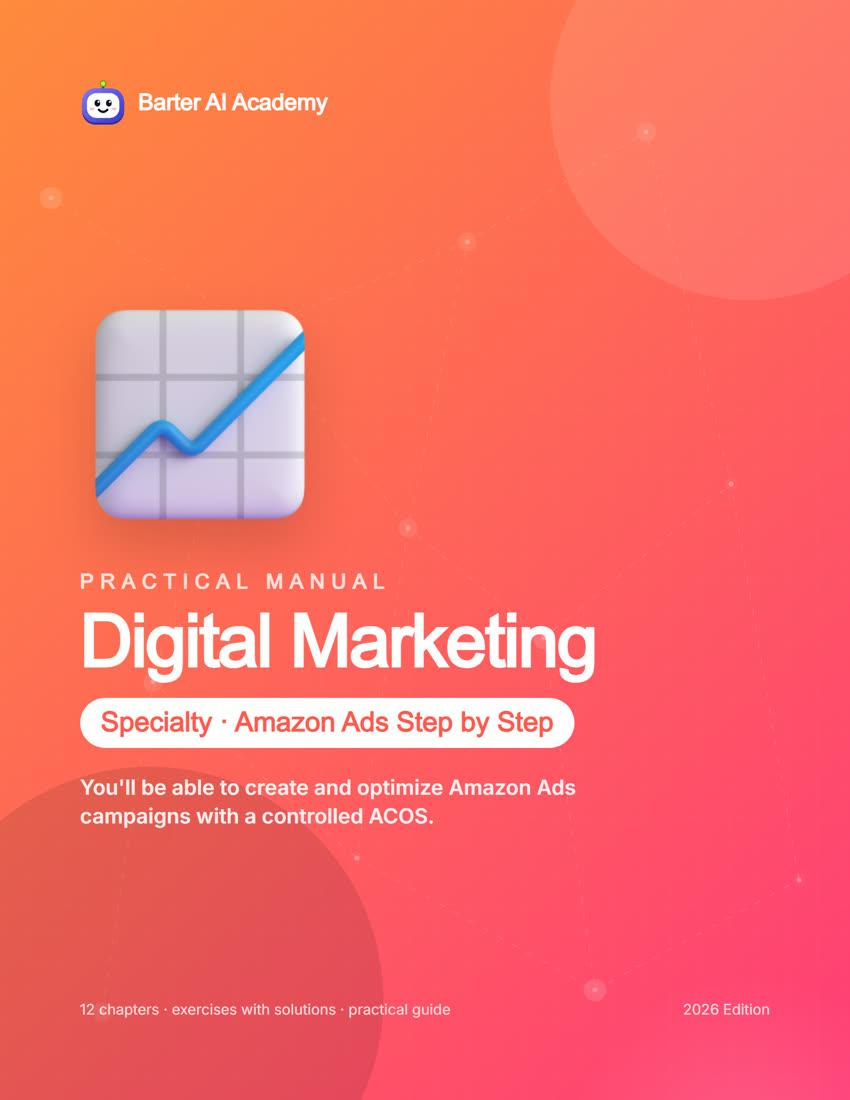
Digital Marketing Manual in PDF (Amazon Ads Step by Step) to Study from India

If you are in India and want to learn digital marketing at your own pace, this practical manual guides you chapter by chapter: get your products and books to appear at the top of Amazon with Sponsored Products, Sponsored Brands, and Sponsored Display.
Buy the manual · 7.99 USD

Digital Marketing Manual · Amazon Ads Step by Step (PDF)

Everything is online: download it in seconds from India and pay in US dollars with PayPal or card.

Free sample

Chapter 2: ACOS, TACOS, and ROAS Made Simple

🎯 Calculate ACOS, ROAS, TACOS, and break-even ACOS for a product or book using your own spreadsheet, and decide whether a campaign is making or losing money.

A campaign can have hundreds of clicks and sales and still leave you in the red. Today you build the calculator that tells you the truth.

Key ideas

  • ACOS compares what you spent on ads with the sales generated by those ads.
  • ROAS = ad sales ÷ ad spend. With 4, you sell $4 for every $1 invested.
  • TACOS divides ad spend by total sales, including organic sales.
  • Each acronym answers a different question about your investment.

What's inside

Part 1 · How Amazon Ads Works

  1. 01Types of Amazon AdsTell apart Sponsored Products, Sponsored Brands, and Sponsored Display, know where each one appears, and choose which to use first based on your product or book.
  2. 02ACOS, TACOS, and ROAS Made SimpleCalculate ACOS, ROAS, TACOS, and break-even ACOS for a product or book using your own spreadsheet, and decide whether a campaign is making or losing money.
  3. 03Open your advertising accountOpen and set up your Amazon Ads account (seller or KDP author), with an advertising profile, a payment method, and a first review before you create campaigns.
  4. 04Advertising KDP BooksLaunch your first Sponsored Products campaign for a KDP book, with a reasonable budget and bid, and know what to check so you don't waste money.

Part 2 · Building Campaigns Step by Step

  1. 05Automatic Campaign for Discovering KeywordsSet up a well-configured automatic Sponsored Products campaign and spot the common mistakes that waste money before they happen.
  2. 06Manual Campaigns by Keyword and ProductCreate a manual Sponsored Products campaign with keywords (exact, phrase, broad) and product targets (ASIN), moving the winning terms from the automatic campaign into it and then negating them in the automatic campaign.
  3. 07Bids and BudgetsSet a reasonable starting bid and daily budget for your Amazon Ads campaigns, and know when to raise or lower each one.
  4. 08Negative KeywordsLearn to spot searches that cost you money without sales and block them in Amazon Ads with negative keywords, choosing correctly between negative exact, negative phrase, and negative product targeting (ASIN).

Part 3 · Optimizing

  1. 09Reading the Search Term ReportDownload and read the Amazon Ads search term report to decide which terms to promote as keywords, which to block as negatives, and which to let mature.
  2. 10Adjust Your Bids Every WeekApply a 20-minute weekly routine to raise, lower, or hold the bids on your Amazon Ads campaigns based on real data from your report.
  3. 11Sponsored Brands and Sponsored DisplayCreate a Sponsored Brands campaign and a Sponsored Display campaign on Amazon Ads, knowing when to use each one and what to ask of each.
  4. 12When to Pause and When to ScaleDecide in minutes, using clear rules and data from your own account, which campaigns and keywords to pause, which to keep, and which to scale in Amazon Ads.

Buy the manual · 7.99 USD

Practice it for free in the app

This manual has an interactive version in Barter AI Academy: lessons with challenges, an AI tutor that answers you 24/7, and a certificate. The first 5 Digital Marketing lessons are free.

Start for free →

Other cities in India

Other levels in your country

See all manuals →