Practical Manual · In Singapore

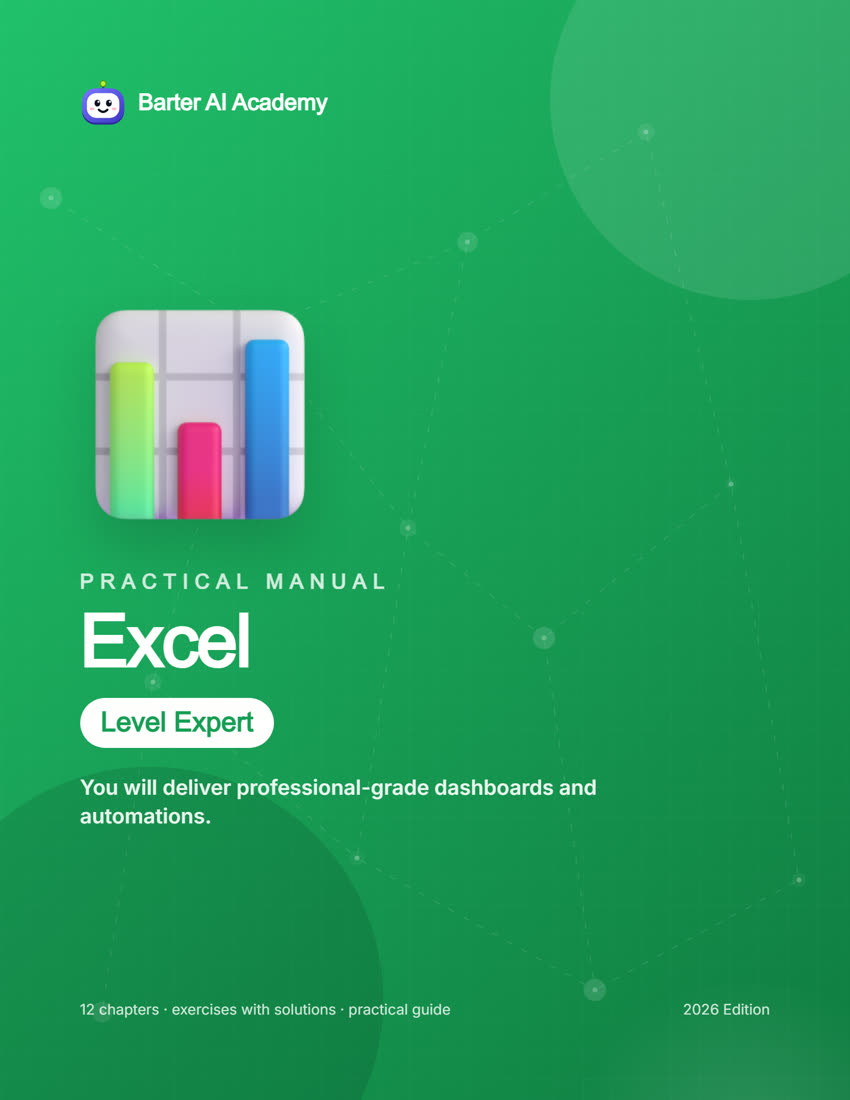
Excel Manual in PDF (Expert Level) to Study from Singapore

This Excel manual (Expert Level) brings together 12 chapters with examples, exercises and tasks so you can apply what you learn in Singapore from day one.
Buy the manual · 7.99 USD

Excel Manual · Expert Level (PDF)

Everything is online: download it in seconds from Singapore and pay in US dollars with PayPal or card.

Free sample

Chapter 4: Telling Stories with Data

🎯 Turn a dashboard into a clear story: define the message, order the data in a logical sequence, and write titles that explain what happened and what to do.

A good-looking dashboard shows numbers. A dashboard that persuades tells a story and proposes an action.

Key ideas

  • A good title states the conclusion the chart proves, not just the name of the data.
  • Too many charts dilute the message. Include only what supports the conclusion.
  • Without a recommendation with a clear action, the dashboard informs but doesn't help people decide.
  • First you place the reader in context, then present the finding, prove it, and propose the action.

What's inside

Part 1 · Dashboards

  1. 01Dashboard DesignDesign the structure of an Excel dashboard that answers a business question, with a clear visual hierarchy and a database kept separate from the presentation.
  2. 02KPIs and VisualizationChoose KPIs that answer a decision, calculate them with context (target, prior period, traffic light), and pick the right chart for each one in an Excel dashboard.
  3. 03Interactivity with ControlsAdd slicers, timelines, and form controls to a dashboard so that users can filter and explore the data without breaking anything.
  4. 04Telling Stories with DataTurn a dashboard into a clear story: define the message, order the data in a logical sequence, and write titles that explain what happened and what to do.

Part 2 · Automation

  1. 05Recording macrosRecord, run, and save a macro in Excel to automate a repetitive task, and know when to use relative references, how to prepare them well, and what their limits are.
  2. 06Introduction to VBAUnderstand how VBA code is organized and write a simple macro with variables, a loop, and a condition to automate a repetitive task.
  3. 07Automate ReportsDesign and write a VBA macro that automates a recurring report: refresh the data, wait for the refresh to finish, format the output, and export it to PDF, with error handling.
  4. 08Excel with AIUse AI as a copilot in Excel to generate formulas, VBA code, and analysis, always verifying the result before using it in a real report.

Part 3 · Beyond the Basics

  1. 09Power BI for Excel UsersDecide wisely when it makes sense to move from Excel to Power BI, choose the connection mode, understand what it takes to share and refresh a report, and reuse Power Query, the data model, and DAX along with their nuances.
  2. 10Good Practices and AuditingApply a good-practices checklist and audit an Excel workbook to detect errors, risks, and fragile formulas before delivering it.
  3. 11Reusable TemplatesDesign a reusable Excel template with an instruction sheet, locked input cells, tables, and named ranges, so another person can use it without breaking it.
  4. 12Excel as a Professional ServiceYou’ll be able to define an Excel service offering, price it with a clear method, protect the scope of the work, and deliver a professional project the client can maintain.

Buy the manual · 7.99 USD

Practice it for free in the app

This manual has an interactive version in Barter AI Academy: lessons with challenges, an AI tutor that answers you 24/7, and a certificate. The first 5 Excel lessons are free.

Start for free →

Other cities in Singapore

Other levels in your country

See all manuals →