Practical Manual · PDF

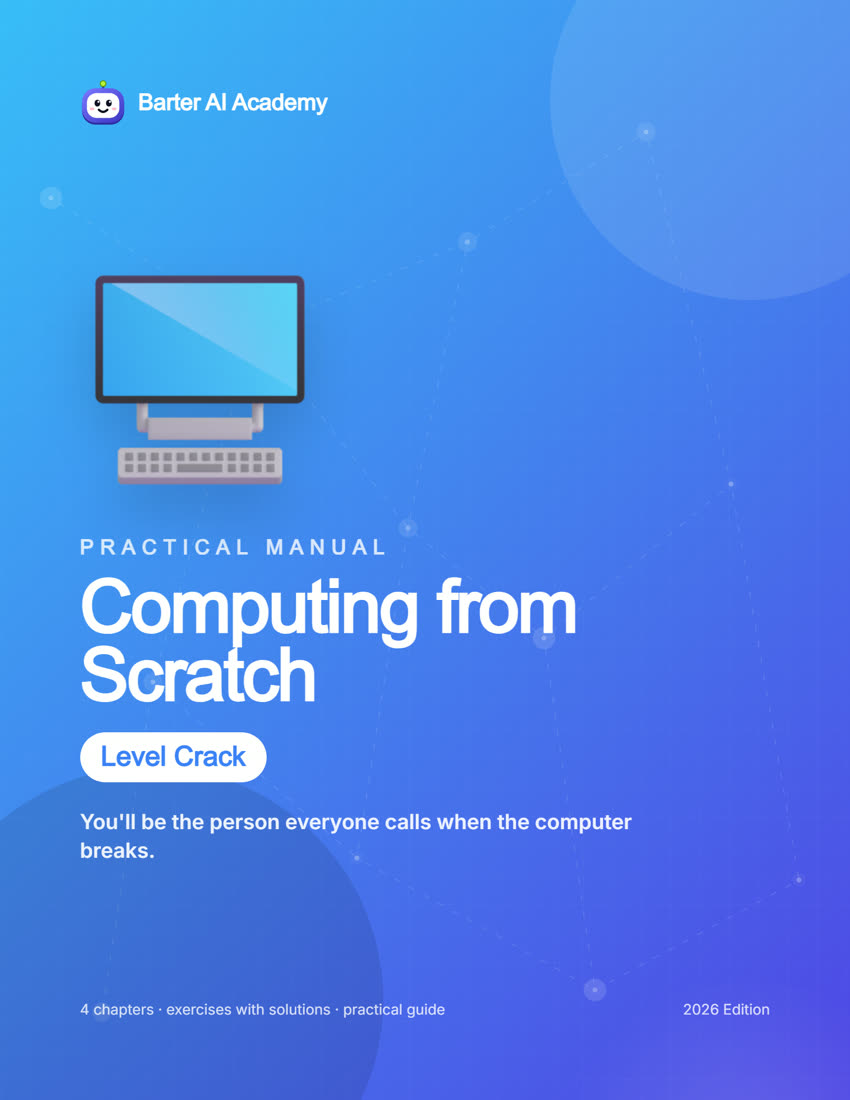
Computing from Scratch Practical Manual: Crack Level

You'll be the person everyone calls when the computer breaks.

  • 4 step-by-step chapters
  • 29 full-color pages
  • Exercises with an answer key
  • A hands-on task in every chapter
  • Instant PDF download

Buy the manual · 7.99 USD

Practical Manual: Computing from Scratch · Crack Level

What you will learn

Solve problems like a tech pro: diagnose failures, protect your data, and automate your daily work.

🧰 Task Manager · backups · advanced shortcuts · automations

What's inside

Part 1 · Elite Challenges

  1. 01Diagnosing a Slow ComputerDiagnose a slow computer methodically: use Task Manager to identify which resource is saturated (CPU, memory, disk, or network), find the culprit, and choose the fix with the best effort-to-result ratio.
  2. 02Total Security: Passwords, Backups, and ScamsDesign a complete personal security system: passwords with a manager and two-step verification, backups using the 3-2-1 rule, and a protocol to stop scams before you fall for them.
  3. 03Automate Your Repetitive TasksIdentify which tasks are worth automating and set up real automations (text shortcuts, bulk renaming, scheduled tasks, email rules, and app-to-app workflows) with a focus on security and maintenance.
  4. 04Final Boss Challenge: The Rescued ComputerApply a complete method to rescue a slow and insecure computer: diagnose, back up, clean up, protect, automate, and document the work.

7.99 USD

One-time payment with PayPal or card · get the PDF instantly and by email

Free sample

Chapter 1: Diagnosing a Slow Computer

🎯 Diagnose a slow computer methodically: use Task Manager to identify which resource is saturated (CPU, memory, disk, or network), find the culprit, and choose the fix with the best effort-to-result ratio.

A beginner deletes files at random. A pro measures first, finds the bottleneck, and only then takes action.

Key ideas

  • Ctrl + Shift + Esc opens Task Manager with no intermediate steps, which is useful when the computer is frozen.
  • It only stops the program from launching when the computer turns on. The program remains installed and can be re-enabled whenever you want.
  • A saturated disk makes every file or program open wait, even when the processor is free.
  • Each saturated resource leaves a different signature. For memory, the immediate cause is whatever is using RAM (programs or tabs); adding RAM is the fix if it happens with your normal use. For network, high activity when you aren't downloading anything points to a background download or sync.
Practice it for free in the app

This manual has an interactive version in Barter AI Academy: lessons with challenges, an AI tutor that answers you 24/7, and a certificate. The first 5 Computing from Scratch lessons are free.

Start for free →

More Computing from Scratch manuals

FAQ

What format is it?

A full-color PDF with 29 pages. Read it on your phone, tablet or computer, or print it.

How do I get it?

Right after paying you see the download button on this page, and we also email you a link valid for 30 days.

How do I pay?

With PayPal or with a debit or credit card through PayPal. It is a one-time payment, not a subscription.

Is it for complete beginners?

It is designed for people who already know the previous level. If you are starting from zero, begin with the Basic Level manual.

Does it include a certificate?

You earn the certificate in the Barter AI Academy app by completing the lessons and challenges. The manual is your guide to study and review.

Manuals from other schools

See all manuals

Computing from Scratch · PDF 7.99 USDBuy the manual