Practical Manual · PDF

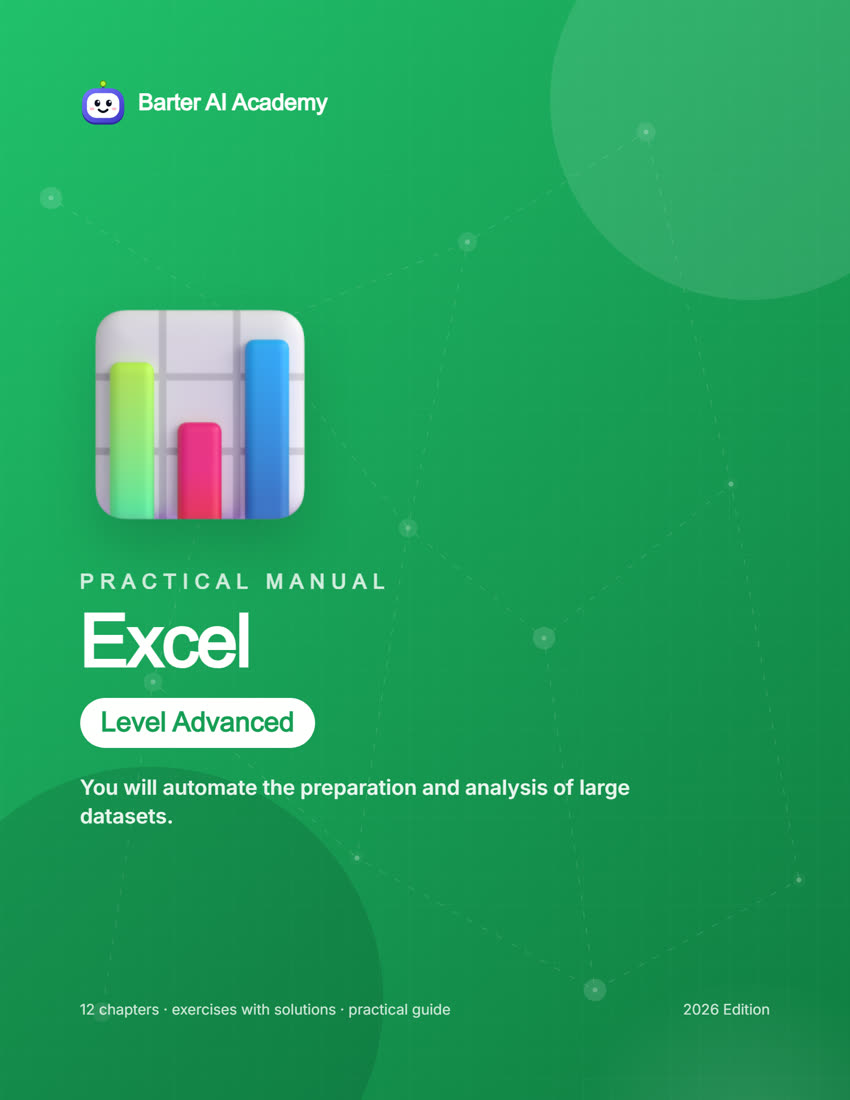
Excel Practical Manual: Advanced Level

You will automate the preparation and analysis of large datasets.

  • 12 step-by-step chapters
  • 74 full-color pages
  • Exercises with an answer key
  • A hands-on task in every chapter
  • Instant PDF download

Buy the manual · 7.99 USD

Practical Manual: Excel · Advanced Level

What you will learn

PivotTables, Power Query, and models to analyze thousands of data points.

🧰 Excel with Power Query and Power Pivot

What's inside

Part 1 · PivotTables

  1. 01Create Pivot TablesCreate a pivot table from an Excel table, drag fields into Rows, Columns, Values, and Filters, and change how the data is summarized to answer business questions.
  2. 02Calculated fieldsCreate a calculated field in a PivotTable to get margins, average prices, unit costs, and commissions without touching the original data, and know when its limits call for a different solution.
  3. 03Slicers and TimelinesYou'll be able to add slicers and timelines to a PivotTable, connect them to multiple tables, and build a user-friendly filter panel.
  4. 04PivotChartsCreate a PivotChart from a PivotTable, choose the right chart type, and connect it to slicers to explore data visually.

Part 2 · Power Query

  1. 05Import Data from Multiple SourcesImport data into Excel from a CSV file, a folder, another workbook, and a web page using Power Query, and save each source as a query ready to transform.
  2. 06Transform and CleanApply the most-used transformations in the Power Query Editor (change types, trim, split, replace, remove duplicates, blank rows, unpivot) and understand why each step is recorded and repeats automatically.
  3. 07Append and Merge QueriesTell when to append and when to merge queries in Power Query, and apply each operation with the correct join type.
  4. 08Update with One ClickSet up a Power Query so the entire report refreshes with one click (or automatically when the file opens), and know what to do when the refresh fails.

Part 3 · Models

  1. 09Data Model and RelationshipsYou'll be able to create a Data Model in Excel, relate several tables through a key column, and build a PivotTable that uses fields from all of them without VLOOKUP.
  2. 10Introduction to DAXWrite your first DAX measures (SUM, CALCULATE, and DIVIDE) in Power Pivot and understand why a measure is different from a calculated column.
  3. 11Scenarios and Goal SeekYou'll be able to compare several scenarios of a model with Scenario Manager and a data table, and use Goal Seek to solve for the value you need to reach.
  4. 12Dynamic Array FunctionsUse FILTER, SORT, UNIQUE, SEQUENCE, and SORTBY to create lists and reports that update automatically, and close the level by combining Power Query, PivotTables, and dynamic arrays in a complete analysis.

7.99 USD

One-time payment with PayPal or card · get the PDF instantly and by email

Free sample

Chapter 1: Create Pivot Tables

🎯 Create a pivot table from an Excel table, drag fields into Rows, Columns, Values, and Filters, and change how the data is summarized to answer business questions.

From thousands of rows to a clear answer in under a minute, without writing a single formula.

Key ideas

  • A pivot table groups and summarizes large data without formulas, and it can be reorganized by dragging fields.
  • A pivot table only creates a summarized view; the source data stays intact.
  • Each area plays a different role: Rows and Columns organize, Values calculates, and Filters restricts.
  • Amount is the numeric data that gets added up, so it goes in Values.
Practice it for free in the app

This manual has an interactive version in Barter AI Academy: lessons with challenges, an AI tutor that answers you 24/7, and a certificate. The first 5 Excel lessons are free.

Start for free →

More Excel manuals

FAQ

What format is it?

A full-color PDF with 74 pages. Read it on your phone, tablet or computer, or print it.

How do I get it?

Right after paying you see the download button on this page, and we also email you a link valid for 30 days.

How do I pay?

With PayPal or with a debit or credit card through PayPal. It is a one-time payment, not a subscription.

Is it for complete beginners?

It is designed for people who already know the previous level. If you are starting from zero, begin with the Basic Level manual.

Does it include a certificate?

You earn the certificate in the Barter AI Academy app by completing the lessons and challenges. The manual is your guide to study and review.

Manuals from other schools

See all manuals

Excel · PDF 7.99 USDBuy the manual