Practical Manual · PDF

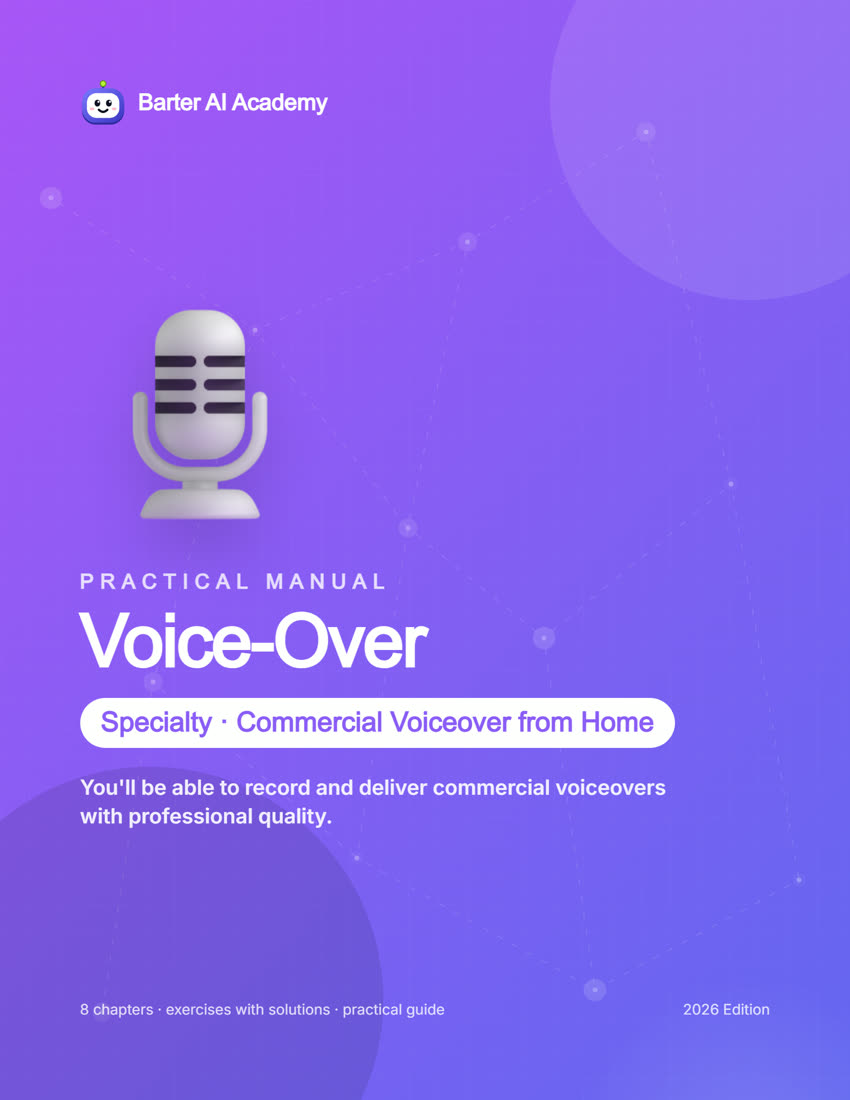
Voice-Over Practical Manual: Commercial Voiceover from Home

You'll be able to record and deliver commercial voiceovers with professional quality.

  • 8 step-by-step chapters
  • 53 full-color pages
  • Exercises with an answer key
  • A hands-on task in every chapter
  • Instant PDF download

Buy the manual · 7.99 USD

Practical Manual: Voice-Over · Commercial Voiceover from Home

What you will learn

Record commercials, spots, and voices for clients from a home studio and sell your services.

🧰 Microphone · Audio interface · Audacity · Adobe Audition

What's inside

Part 1 · Your Home Studio

  1. 01Microphone and Interface to Get StartedChoose a suitable microphone and audio interface to start your voice-over home studio, connect them properly, and set the recording level without distortion.
  2. 02Set Up Your RoomChoose the best room in your home, reduce echo and noise with affordable materials, and check with a simple test whether your space is ready for recording.
  3. 03Record and Edit Your VoiceRecord a clean voiceover in Audacity (or Audition) at a good level and apply basic editing: trim, remove mistakes and breaths, reduce noise, and normalize.
  4. 04Delivering Audio with Professional QualityPrepare and deliver a finished audio file to a client with the right format, volume, file name, and delivery message, ready to invoice without disputes.

Part 2 · Voiceover Business

  1. 05Jingles, Spots, and Hold MessagesTell apart radio ads, spots, and hold messages, understand what each one requires (length, tone, delivery), and prepare a clear offer of these three products for your clients.
  2. 06Rates and Usage RightsYou'll be able to calculate a rate for a commercial voiceover by combining work, usage, and exclusivity, and clearly explain usage rights to your clients.
  3. 07Platforms and Direct ClientsYou'll be able to compare platforms and direct clients, choose where to start looking for work, and write a clear first contact message for a real client.
  4. 08Your Commercial DemoPut together a 45-to-60-second commercial demo with 3 distinct voiceover spots, export it properly, and present it to clients along with a clear rate card.

7.99 USD

One-time payment with PayPal or card · get the PDF instantly and by email

Free sample

Chapter 1: Microphone and Interface to Get Started

🎯 Choose a suitable microphone and audio interface to start your voice-over home studio, connect them properly, and set the recording level without distortion.

Your home studio doesn't need to be expensive. It needs to be right: the right gear, properly connected and properly set up.

Key ideas

  • The interface amplifies the weak signal from the microphone and converts it into good-quality digital audio for the computer.
  • Dynamic microphones don't need it; condensers do.
  • The cardioid pattern picks up sound from the front and rejects side and rear noise, which is ideal for a single voice.
  • Each accessory solves a specific problem in the recording chain.

Practice it for free in the app

This manual has an interactive version in Barter AI Academy: lessons with challenges, an AI tutor that answers you 24/7, and a certificate. The first 5 Voice-Over lessons are free.

Start for free →

More Voice-Over manuals

FAQ

What format is it?

A full-color PDF with 53 pages. Read it on your phone, tablet or computer, or print it.

How do I get it?

Right after paying you see the download button on this page, and we also email you a link valid for 30 days.

How do I pay?

With PayPal or with a debit or credit card through PayPal. It is a one-time payment, not a subscription.

Is it for complete beginners?

It is designed for people who already know the previous level. If you are starting from zero, begin with the Basic Level manual.

Does it include a certificate?

You earn the certificate in the Barter AI Academy app by completing the lessons and challenges. The manual is your guide to study and review.
Manuals from other schools

See all manuals

Voice-Over · PDF 7.99 USDBuy the manual