Practical Manual · PDF

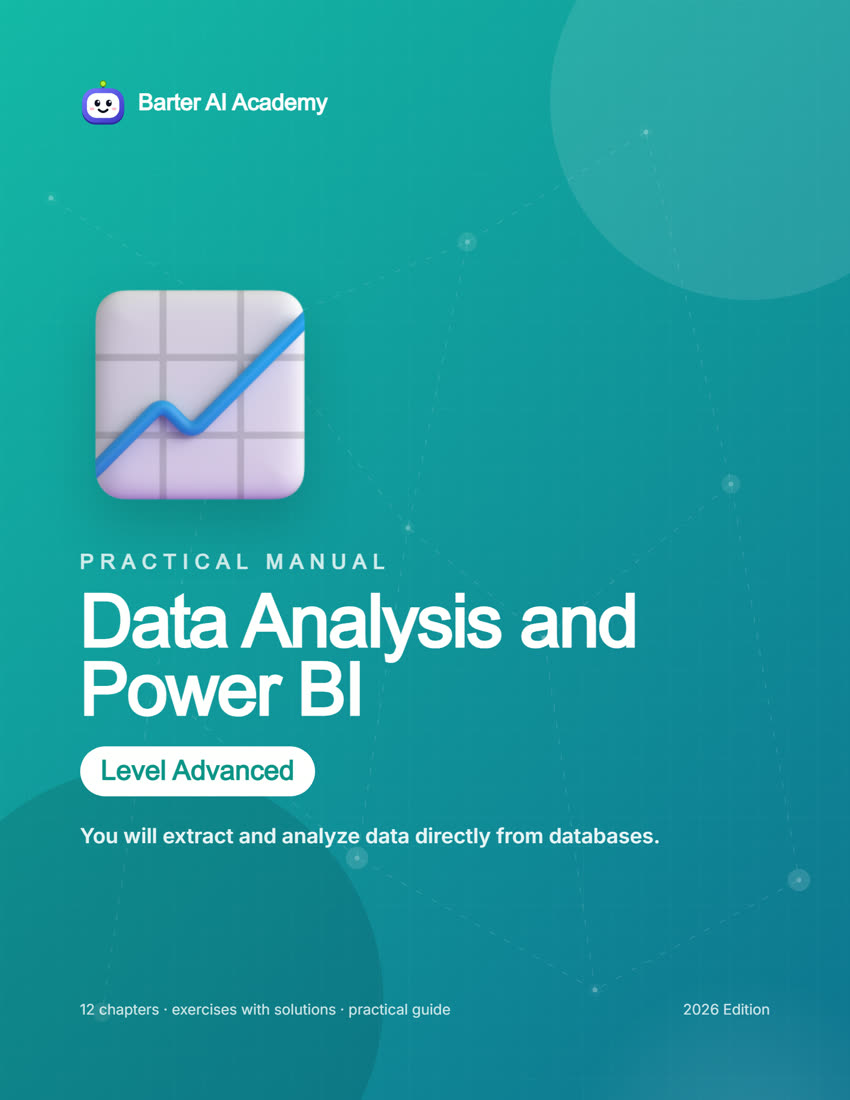
Data Analysis and Power BI Practical Manual: Advanced Level

You will extract and analyze data directly from databases.

  • 12 step-by-step chapters
  • 75 full-color pages
  • Exercises with an answer key
  • A hands-on task in every chapter
  • Instant PDF download

Buy the manual · 7.99 USD

Practical Manual: Data Analysis and Power BI · Advanced Level

What you will learn

Query databases with SQL and deepen your analysis with DAX and statistics.

🧰 SQL · Power BI · Excel

What's inside

Part 1 · SQL

  1. 01What Is a DatabaseExplain what a relational database is and recognize tables, rows, columns, primary keys, and foreign keys so you're ready to query with SQL.
  2. 02SELECT, WHERE and ORDER BYWrite SQL queries with SELECT, WHERE and ORDER BY to pull only the columns and rows you need, in the order you want.
  3. 03Group and SummarizeSummarize tables with SQL using COUNT, SUM, AVG, GROUP BY, and HAVING, and correctly distinguish WHERE from HAVING.
  4. 04Joining Tables with JOINJoin two or more tables with INNER JOIN and LEFT JOIN, combine them with GROUP BY, find unmatched records with IS NULL, and spot common errors such as duplicates and missing rows.

Part 2 · Advanced DAX

  1. 05CALCULATE and ContextUnderstand filter context in DAX and use CALCULATE with FILTER, ALL, and KEEPFILTERS to modify it and build measures such as percentage of the total.
  2. 06Time IntelligenceBuild running totals, comparisons against prior periods, and moving windows in DAX with CALCULATE and time intelligence functions, while handling fiscal years and incomplete periods.
  3. 07Comparisons and RankingsCreate DAX measures that compare values (against the total, against a target, or against another period) and generate dynamic rankings with RANKX, ALL, ALLSELECTED, and TOPN.
  4. 08Best Practices for Data ModelsApply a set of best practices so a Power BI model is fast, clear, and reliable: star schema, well-named measures, hidden columns, variables in DAX, and a measures table.

Part 3 · Practical Statistics

  1. 09Distribution and SpreadDescribe a data set using mean, median, standard deviation, and percentiles, and detect outliers that distort an average.
  2. 10Trends and SeasonalitySeparate the trend, seasonality, and noise in a time series, and use moving averages and year-over-year comparisons so you don't mistake a repeating pattern for a real change.
  3. 11Correlation Is Not CausationInterpret a correlation coefficient, detect confounding variables and spurious correlations, and write cautious conclusions that do not claim causes without evidence.
  4. 12Simple ForecastingBuild a simple forecast (moving average, trend, and seasonality) and communicate it with a range and its assumptions, without promising certainty.

7.99 USD

One-time payment with PayPal or card · get the PDF instantly and by email

Free sample

Chapter 1: What Is a Database

🎯 Explain what a relational database is and recognize tables, rows, columns, primary keys, and foreign keys so you're ready to query with SQL.

So far you've worked with data in Excel or analysis tools like Power BI. Now let's look at where data comes from in a real company: the database.

Key ideas

  • That's exactly its structure: tables, with columns (attributes) and rows (records), connected to each other.
  • Each row is a record: one specific product. The columns are the attributes.
  • A primary key never repeats and is never empty, which is why it identifies each row.
  • These four pieces let you read any database structure.
Practice it for free in the app

This manual has an interactive version in Barter AI Academy: lessons with challenges, an AI tutor that answers you 24/7, and a certificate. The first 5 Data Analysis and Power BI lessons are free.

Start for free →

More Data Analysis and Power BI manuals

FAQ

What format is it?

A full-color PDF with 75 pages. Read it on your phone, tablet or computer, or print it.

How do I get it?

Right after paying you see the download button on this page, and we also email you a link valid for 30 days.

How do I pay?

With PayPal or with a debit or credit card through PayPal. It is a one-time payment, not a subscription.

Is it for complete beginners?

It is designed for people who already know the previous level. If you are starting from zero, begin with the Basic Level manual.

Does it include a certificate?

You earn the certificate in the Barter AI Academy app by completing the lessons and challenges. The manual is your guide to study and review.

Manuals from other schools

See all manuals

Data Analysis and Power BI · PDF 7.99 USDBuy the manual