Practical Manual · PDF

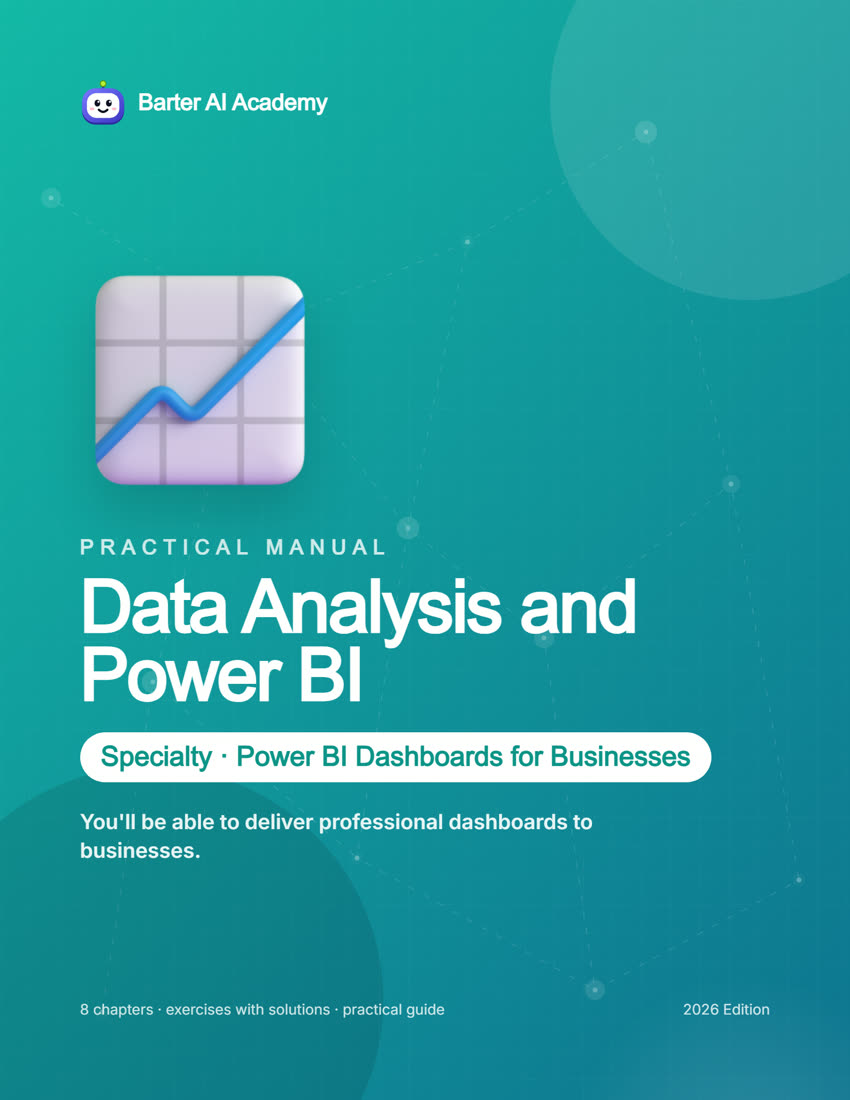
Data Analysis and Power BI Practical Manual: Power BI Dashboards for Businesses

You'll be able to deliver professional dashboards to businesses.

  • 8 step-by-step chapters
  • 53 full-color pages
  • Exercises with an answer key
  • A hands-on task in every chapter
  • Instant PDF download

Buy the manual · 7.99 USD

Practical Manual: Data Analysis and Power BI · Power BI Dashboards for Businesses

What you will learn

Build sales, inventory, and finance dashboards in Power BI that managers use every day.

🧰 Power BI · Excel · Power Query

What's inside

Part 1 · Practical Power BI

  1. 01Connect and Clean DataConnect Power BI to an Excel or CSV file and clean it with Power Query (headers, data types, duplicates, and blanks) so it's ready for a dashboard.
  2. 02Simple Data ModelBuild a simple data model in Power BI (star schema) with a fact table, dimensions, and one-to-many relationships so that filters work properly.
  3. 03Key Measures with DAXWrite the essential DAX measures of a sales dashboard (total sales, cost, margin, average ticket, and comparison with the previous year) and understand why measures are used instead of columns.
  4. 04Visuals That Make SenseChoose the right Power BI visual for each manager question and build a clean page with clear hierarchy and no clutter that confuses.

Part 2 · Dashboards for Businesses

  1. 05Sales DashboardDesign a Power BI sales dashboard that answers a manager's daily questions: how much we sold, against what target, who and what is driving it, and where we need to act.
  2. 06Inventory and Finance DashboardDesign an inventory and finance dashboard in Power BI with the right indicators, basic measures, and alerts that a manager needs to decide what to buy and how much cash is available.
  3. 07Publish and SharePublish a dashboard to the Power BI service, choose the right way to share it, and set up data refresh so managers can use it every day.
  4. 08Offering Dashboards as a ServiceBuild a clear Power BI dashboard offer for businesses: what it includes, how it is delivered, how it is charged, and how to avoid the typical mistakes with your first client.

7.99 USD

One-time payment with PayPal or card · get the PDF instantly and by email

Free sample

Chapter 1: Connect and Clean Data

🎯 Connect Power BI to an Excel or CSV file and clean it with Power Query (headers, data types, duplicates, and blanks) so it's ready for a dashboard.

A dashboard is only as good as the data behind it. Today you'll learn how to bring in your data and clean it before you draw a single chart.

Key ideas

  • Power Query is the editor where data gets cleaned, and each step is saved so it can be repeated on every refresh.
  • With the Text type, Power BI doesn't recognize the values as dates and can't group them correctly by month or year. You need to change the type to Date.
  • Refresh reads the source again and repeats all the saved steps applied in Power Query.
  • Each data quality problem has a specific transformation in Power Query.

Practice it for free in the app

This manual has an interactive version in Barter AI Academy: lessons with challenges, an AI tutor that answers you 24/7, and a certificate. The first 5 Data Analysis and Power BI lessons are free.

Start for free →

More Data Analysis and Power BI manuals

FAQ

What format is it?

A full-color PDF with 53 pages. Read it on your phone, tablet or computer, or print it.

How do I get it?

Right after paying you see the download button on this page, and we also email you a link valid for 30 days.

How do I pay?

With PayPal or with a debit or credit card through PayPal. It is a one-time payment, not a subscription.

Is it for complete beginners?

It is designed for people who already know the previous level. If you are starting from zero, begin with the Basic Level manual.

Does it include a certificate?

You earn the certificate in the Barter AI Academy app by completing the lessons and challenges. The manual is your guide to study and review.
Manuals from other schools

See all manuals

Data Analysis and Power BI · PDF 7.99 USDBuy the manual