Practical Manual · PDF

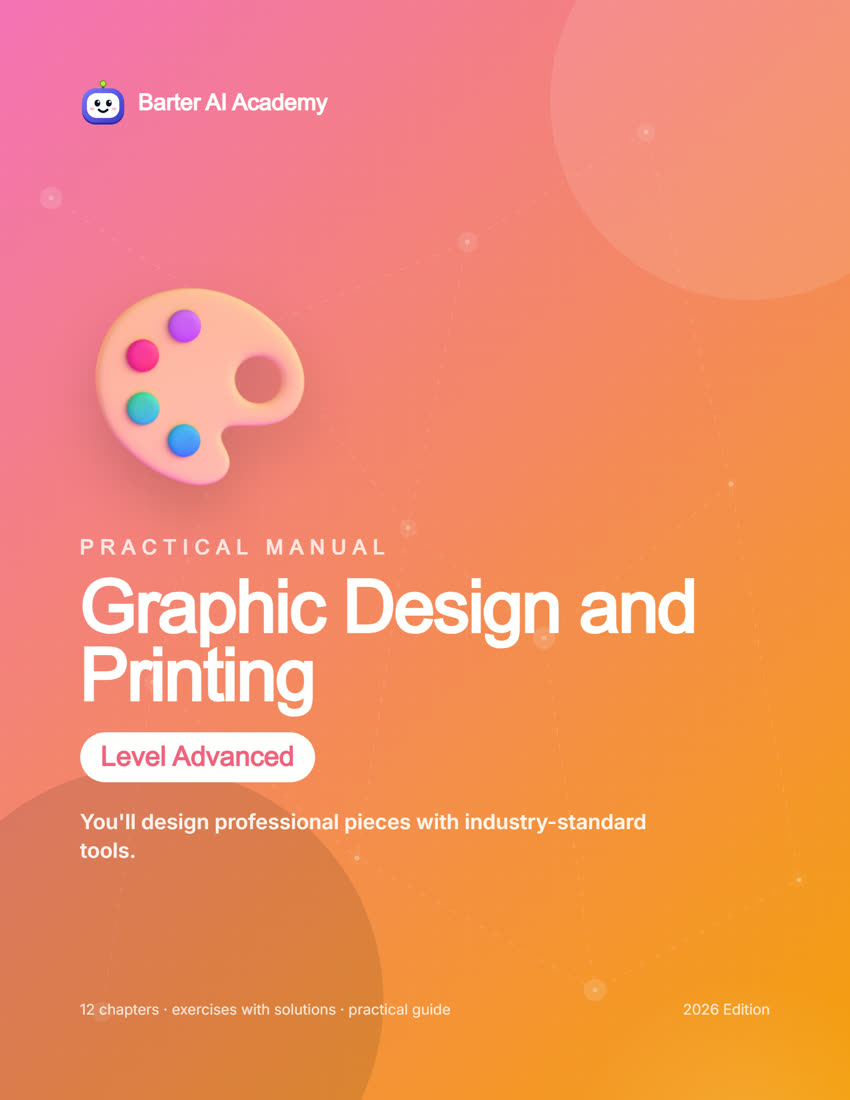
Graphic Design and Printing Practical Manual: Advanced Level

You'll design professional pieces with industry-standard tools.

  • 12 step-by-step chapters
  • 67 full-color pages
  • Exercises with an answer key
  • A hands-on task in every chapter
  • Instant PDF download

Buy the manual · 7.99 USD

Practical Manual: Graphic Design and Printing · Advanced Level

What you will learn

Take the leap to professional tools: Photoshop, Illustrator, and editorial design.

🧰 Adobe Photoshop · Adobe Illustrator · Canva

What's inside

Part 1 · Photoshop

  1. 01Layers and MasksBuild a non-destructive Photoshop file by combining layer masks, masked adjustment layers, clipping masks, and professional workflow shortcuts.
  2. 02Retouching and CutoutsRetouch a photo non-destructively and cut out a subject with a clean selection and a layer mask in Photoshop.
  3. 03Photo CompositesBuild a believable composite in Photoshop by combining several images with consistent light, color, scale, and edges.
  4. 04MockupsCreate a realistic mockup in Photoshop using a Smart Object, prepare the artwork at the right resolution, and know when to use your own template or a ready-made one.

Part 2 · Illustrator

  1. 05Vectors and PathsUnderstand how vector paths are built in Illustrator (anchors, segments, handles, corner and smooth points) and edit them with the Pen tool, Direct Selection tool, and Convert Anchor Point tool to create clean shapes.
  2. 06Vector LogosBuild a vector logo in Illustrator using basic shapes and type converted to outlines, and export it in the versions a client needs.
  3. 07Icons and IllustrationsCreate a consistent icon set in Illustrator using a grid, basic shapes, consistent strokes, and the Pathfinder and Shape Builder tools.
  4. 08Print-Ready FilesPrepare an Illustrator file that is ready to send to a print shop, with bleed, safety margins, CMYK color, text converted to outlines, and a correct PDF.

Part 3 · Editorial and Campaigns

  1. 09Editorial DesignUnderstand what editorial design is and apply its key decisions (format, pages, rhythm, reading typography, and images) to plan a multi-page publication.
  2. 10Grid and HierarchyBuild a column grid with margins and gutters, and use it together with the type scale to create a clear visual hierarchy on an editorial page.
  3. 11Graphic CampaignsDesign a coherent graphic campaign: define a central idea, a flexible visual system, and adapt it to several pieces and formats without losing identity.
  4. 12Ad DesignDesign a digital ad that gets understood in 2 seconds, with clear hierarchy, formats adapted to each placement, and a well-planned A/B test.

7.99 USD

One-time payment with PayPal or card · get the PDF instantly and by email

Free sample

Chapter 1: Layers and Masks

🎯 Build a non-destructive Photoshop file by combining layer masks, masked adjustment layers, clipping masks, and professional workflow shortcuts.

You already know that a layer is a stacked sheet and that a mask hides without erasing. In this lesson we go further: localized adjustments, clipping masks, and shortcuts that speed up work in a studio.

Key ideas

  • It displays the mask in black and white on the canvas, which lets you check edges and gray areas that aren't visible at a glance.
  • Every adjustment layer is created with its own layer mask, which lets you apply the correction only in certain areas.
  • A clipping mask limits the effect to the layer below; it is created with Alt+click between the two layers.
  • Each tool solves a different problem, and combining them keeps the file editable.
Practice it for free in the app

This manual has an interactive version in Barter AI Academy: lessons with challenges, an AI tutor that answers you 24/7, and a certificate. The first 5 Graphic Design and Printing lessons are free.

Start for free →

More Graphic Design and Printing manuals

FAQ

What format is it?

A full-color PDF with 67 pages. Read it on your phone, tablet or computer, or print it.

How do I get it?

Right after paying you see the download button on this page, and we also email you a link valid for 30 days.

How do I pay?

With PayPal or with a debit or credit card through PayPal. It is a one-time payment, not a subscription.

Is it for complete beginners?

It is designed for people who already know the previous level. If you are starting from zero, begin with the Basic Level manual.

Does it include a certificate?

You earn the certificate in the Barter AI Academy app by completing the lessons and challenges. The manual is your guide to study and review.

Manuals from other schools

See all manuals

Graphic Design and Printing · PDF 7.99 USDBuy the manual