Practical Manual · PDF

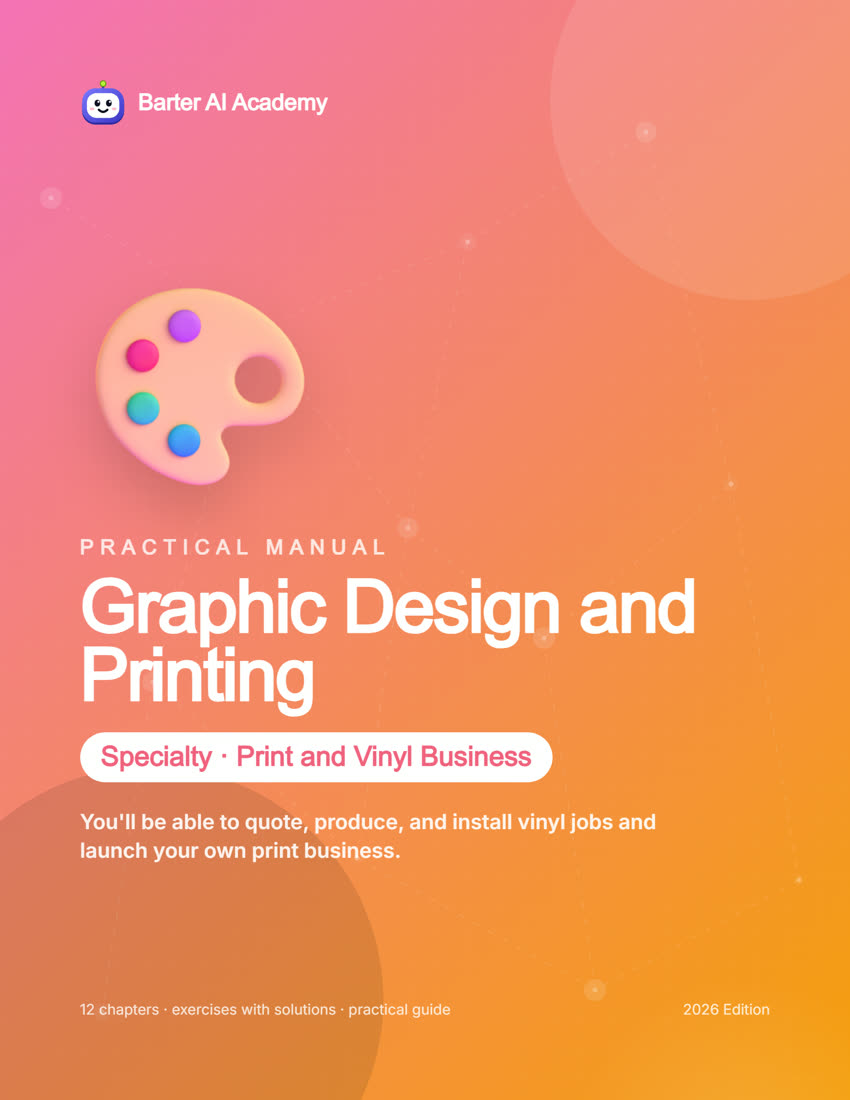
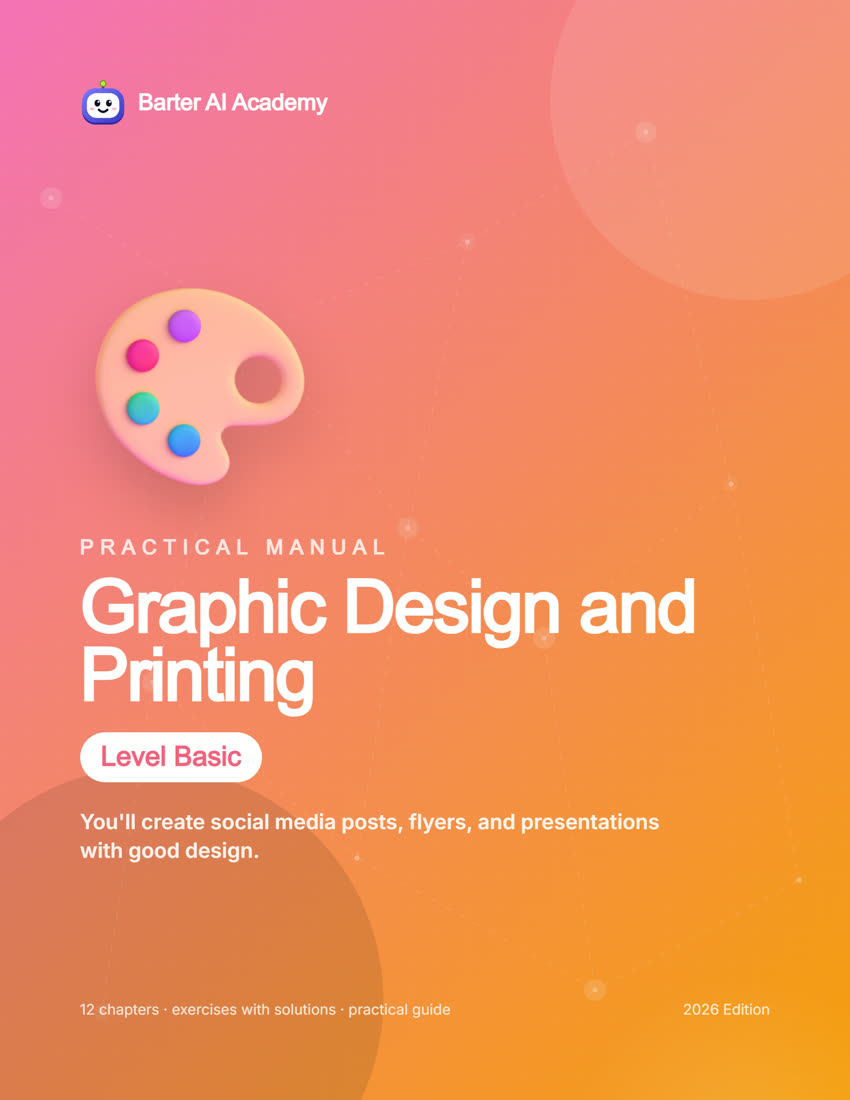
Graphic Design and Printing Practical Manual: Print and Vinyl Business

You'll be able to quote, produce, and install vinyl jobs and launch your own print business.

  • 12 step-by-step chapters
  • 81 full-color pages
  • Exercises with an answer key
  • A hands-on task in every chapter
  • Instant PDF download

Buy the manual · 7.99 USD

Practical Manual: Graphic Design and Printing · Print and Vinyl Business

What you will learn

Learn to produce and install vinyl, stickers, banners, and signage, and set up your own print shop.

🧰 Cutting plotter · eco-solvent printer · Illustrator · CorelDRAW · cutting software

What's inside

Part 1 · Equipment and Materials

  1. 01Cutting Printer and Plotter: What You NeedDistinguish what an eco-solvent printer and a cutting plotter do, and choose which machine you need first based on the jobs you want to sell.
  2. 02Types of Vinyl and What Each One Is ForChoose the right type of vinyl (monomeric, polymeric, cast, reflective, frosted, perforated, among others) based on the surface, the expected lifespan, and the finish the client wants.
  3. 03Inks, Lamination, and DurabilityChoose the right ink and laminate for each print job and reasonably estimate how long it will last indoors or outdoors.
  4. 04Cut and Contour FilesPrepare a correct vector file for cutting and contouring: with the cut line on a separate layer, bleed, outlined text, and clean paths, and understand how registration marks are used between printing and cutting.

Part 2 · Production

  1. 05Stickers and Labels with Cut ContourYou'll be able to plan and produce a batch of stickers or labels with a cut contour: choose the material, prepare the file, print, laminate, cut, and spot the most common errors.
  2. 06Storefront and Window Sign GraphicsYou'll be able to plan a window or storefront graphic job: measure, choose the material, prepare the file, and follow the dry installation steps while avoiding the most common mistakes.
  3. 07Vehicle Wrapping and DecalsYou'll be able to plan a vehicle graphics job: measure, choose the material, prepare the file, install with a proper method, and quote without forgetting the hidden costs.
  4. 08Vinyl Banners, Banners and Giant PrintsYou will be able to plan a vinyl banner, a banner, or a giant print: choose the material, calculate the effective ppi of an image based on its final size and reading distance, and define the finishes (grommets, hems, pockets) before printing.

Part 3 · Your Print Business

  1. 09How to Charge by the Square MeterCalculate the price of a print or vinyl job per square meter by adding material, ink, lamination, labor, waste, and installation, and leaving a profit margin.
  2. 10Setting Up Your Workshop Step by StepYou'll be able to plan step by step how to set up a print and vinyl workshop: define which services to offer, choose the space, prioritize equipment, calculate your startup investment, and launch without taking on too much debt.
  3. 11Getting Clients for Your WorkshopDesign a simple plan to land your first vinyl and print clients: know who to sell to, where to show up, and how to turn an inquiry into an order.
  4. 12Installation, Warranty & After-SalesYou'll be able to plan a vinyl installation without surprises, define a clear warranty in writing, and apply an after-sales protocol that builds trust and creates repeat clients.

7.99 USD

One-time payment with PayPal or card · get the PDF instantly and by email

Free sample

Chapter 1: Cutting Printer and Plotter: What You Need

🎯 Distinguish what an eco-solvent printer and a cutting plotter do, and choose which machine you need first based on the jobs you want to sell.

Two machines, two different jobs. Buying the wrong one first is the most expensive mistake when you're starting out.

Key ideas

  • The plotter uses a blade to cut the lines of a vector file; it does not print.
  • That is its function: printing in full color with inks designed for outdoor use.
  • The printer places registration marks and the plotter detects them with an optical sensor to locate the outline and cut right on it.
  • Each job requires color, shape, or both, and that defines the machines.

Practice it for free in the app

This manual has an interactive version in Barter AI Academy: lessons with challenges, an AI tutor that answers you 24/7, and a certificate. The first 5 Graphic Design and Printing lessons are free.

Start for free →

More Graphic Design and Printing manuals

FAQ

What format is it?

A full-color PDF with 81 pages. Read it on your phone, tablet or computer, or print it.

How do I get it?

Right after paying you see the download button on this page, and we also email you a link valid for 30 days.

How do I pay?

With PayPal or with a debit or credit card through PayPal. It is a one-time payment, not a subscription.

Is it for complete beginners?

It is designed for people who already know the previous level. If you are starting from zero, begin with the Basic Level manual.

Does it include a certificate?

You earn the certificate in the Barter AI Academy app by completing the lessons and challenges. The manual is your guide to study and review.
Manuals from other schools

See all manuals

Graphic Design and Printing · PDF 7.99 USDBuy the manual