Practical Manual · PDF

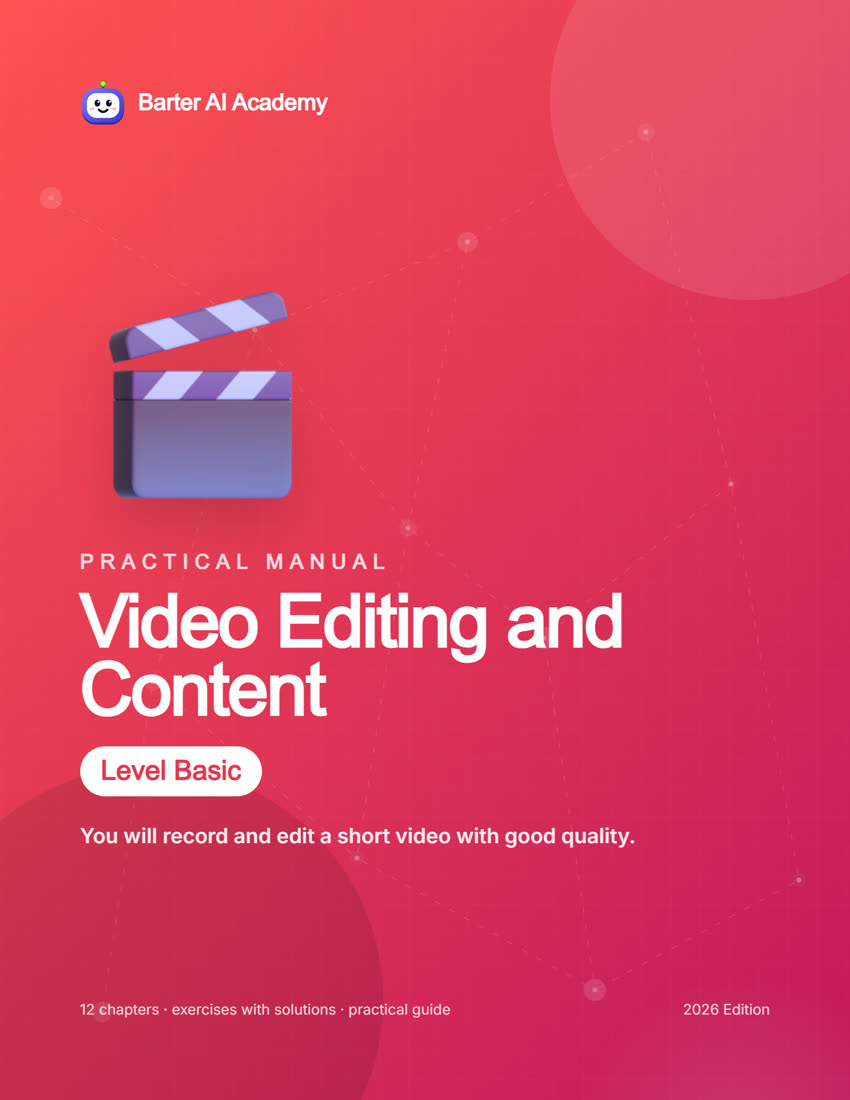
Video Editing and Content Practical Manual: Basic Level

You will record and edit a short video with good quality.

  • 12 step-by-step chapters
  • 70 full-color pages
  • Exercises with an answer key
  • A hands-on task in every chapter
  • Instant PDF download

Buy the manual · 7.99 USD

Practical Manual: Video Editing and Content · Basic Level

What you will learn

Record and edit videos that look and sound great, even if all you have is a phone.

🧰 Phone · microphone · CapCut

What's inside

Part 1 · Record

  1. 01Basic Audiovisual LanguageUnderstand the basic elements of audiovisual language (image, sound, time, and message) so you can plan a simple video before recording it.
  2. 02Framing and Shot TypesChoose the right shot for each moment and frame your phone with the right rule of thirds, headroom, and height.
  3. 03Natural and Artificial LightYou'll be able to choose and place light (natural or artificial) so your video looks sharp, with well-lit faces and no annoying shadows, using only your phone and household items.
  4. 04Clean SoundRecord a clear voice on your phone, reducing noise, echo, and wind with simple steps and an affordable microphone.

Part 2 · Edit

  1. 05Your First Project in CapCutCreate a new project in CapCut, import your clips, arrange them on the timeline, and make your first basic adjustments.
  2. 06Cuts and PacingApply clean cuts in CapCut to remove pauses and mistakes, and give your video a pace that keeps viewers engaged.
  3. 07Music and Sound EffectsChoose and place music and sound effects in CapCut at the right volume, so they support your video without drowning out your voice.
  4. 08Text and SubtitlesAdd readable titles and subtitles in CapCut, with good size, contrast, and placement, so your video makes sense even without sound.

Part 3 · Publish

  1. 09Vertical and Horizontal FormatsChoose the right format (vertical, horizontal, or square) based on where your video will be seen, and set it up in CapCut before you edit.
  2. 10Export with QualityExport a video from CapCut with the right resolution, frame rate, and quality so it looks sharp on any platform without becoming unnecessarily heavy.
  3. 11Thumbnails and CoversCreate a clear, eye-catching thumbnail or cover that shows what your video is about and reads well even on a phone screen.
  4. 12Your First Published VideoPublish your first video using a clear review checklist, and plan and deliver a 60-second short video that you filmed and edited yourself.

7.99 USD

One-time payment with PayPal or card · get the PDF instantly and by email

Free sample

Chapter 1: Basic Audiovisual Language

🎯 Understand the basic elements of audiovisual language (image, sound, time, and message) so you can plan a simple video before recording it.

Before you touch the camera, learn the language every video speaks.

Key ideas

  • Image, sound, time, and message are what you combine in any video; equipment and tools are just means to achieve them.
  • That is how a shot is defined. When editing, several shots are joined to tell the story.
  • The message guides which shots to record and which to discard.
  • Each ingredient contributes something different: what is seen, what is heard, how long it lasts, and what idea it conveys.

Practice it for free in the app

This manual has an interactive version in Barter AI Academy: lessons with challenges, an AI tutor that answers you 24/7, and a certificate. The first 5 Video Editing and Content lessons are free.

Start for free →

More Video Editing and Content manuals

FAQ

What format is it?

A full-color PDF with 70 pages. Read it on your phone, tablet or computer, or print it.

How do I get it?

Right after paying you see the download button on this page, and we also email you a link valid for 30 days.

How do I pay?

With PayPal or with a debit or credit card through PayPal. It is a one-time payment, not a subscription.

Is it for complete beginners?

Yes: this is the starting level and it explains everything from the basics, with examples.

Does it include a certificate?

You earn the certificate in the Barter AI Academy app by completing the lessons and challenges. The manual is your guide to study and review.
Manuals from other schools

See all manuals

Video Editing and Content · PDF 7.99 USDBuy the manual