Practical Manual · PDF

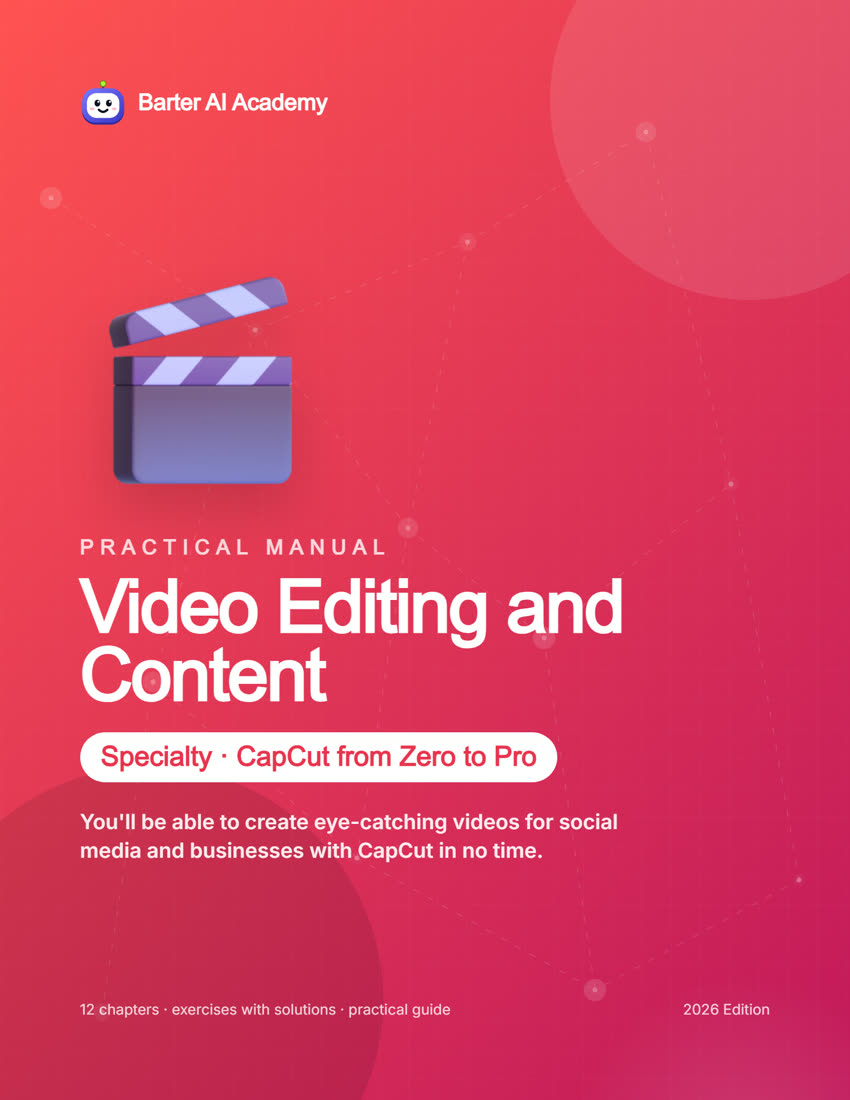
Video Editing and Content Practical Manual: Expert Level

You'll be able to direct productions and sell audiovisual services.

  • 12 step-by-step chapters
  • 71 full-color pages
  • Exercises with an answer key
  • A hands-on task in every chapter
  • Instant PDF download

Buy the manual · 7.99 USD

Practical Manual: Video Editing and Content · Expert Level

What you will learn

Produce complete projects, lead teams, and sell audiovisual services.

🧰 Professional production and management tools

What's inside

Part 1 · Production

  1. 01Script and PreproductionTurn a project brief into solid preproduction: a brief, a treatment, a two-column script, and a storyboard, all ready for the shoot plan.
  2. 02Shooting Schedule PlanYou'll be able to build a complete shooting plan: script breakdown, shooting order, daily schedule (call sheet), realistic timing, and a backup plan.
  3. 03Directing on CameraDirect a person on camera (client, interviewee, or actor) to get natural, usable takes with fewer retakes, using a clear method of preparation, instructions, and correction.
  4. 04Post-Production of a ProjectPlan and execute the post-production of a complete project, from organizing the material to the final delivery with controlled revisions.

Part 2 · Formats

  1. 05Corporate videoPlan and produce a corporate video that meets a business objective, from the brief to delivery, with careful attention to interviews, supporting footage, and approvals.
  2. 06AdvertisingYou will be able to structure an advertising spot from the brief to its final versions, with a single message, a clear hook, and a measurable call to action.
  3. 07Music VideosYou will be able to direct a music video with professional judgment: handle rights and permits, plan shoot days, control playback speed, and edit on the structure of the song.
  4. 08Events and WeddingsPlan and cover an event or wedding with a team, a coverage plan, and layered delivery that protects the result when there is no second take.

Part 3 · Business

  1. 09Portfolio and ReelBuild a 60-to-90-second reel and a curated portfolio that attract the client you want, not just anyone.
  2. 10Quoting a ProjectBuild a defensible audiovisual quote: calculate hours, costs, and margin, and present it in options without giving your work away.
  3. 11Contracts and RightsYou'll be able to identify the essential clauses of an audiovisual contract and distinguish between a license, a transfer of rights, and a work made for hire to protect your work and your client.
  4. 12Growing as a production companyDesign a plan to move from freelancer to production company: define services, build a team, systematize processes, and manage cash flow without losing quality.

7.99 USD

One-time payment with PayPal or card · get the PDF instantly and by email

Free sample

Chapter 1: Script and Preproduction

🎯 Turn a project brief into solid preproduction: a brief, a treatment, a two-column script, and a storyboard, all ready for the shoot plan.

A project is won or lost before the camera turns on. Here you'll learn to prepare it like a professional.

Key ideas

  • The brief sets the goal, audience, message, length, and channels; everything else builds on it.
  • This is the standard audiovisual script convention: image on one side, sound on the other, aligned by scene.
  • The treatment presents the creative approach before the detailed script is written.
  • First you understand the need, then document it, propose the idea, detail it, and get approval.
Practice it for free in the app

This manual has an interactive version in Barter AI Academy: lessons with challenges, an AI tutor that answers you 24/7, and a certificate. The first 5 Video Editing and Content lessons are free.

Start for free →

More Video Editing and Content manuals

FAQ

What format is it?

A full-color PDF with 71 pages. Read it on your phone, tablet or computer, or print it.

How do I get it?

Right after paying you see the download button on this page, and we also email you a link valid for 30 days.

How do I pay?

With PayPal or with a debit or credit card through PayPal. It is a one-time payment, not a subscription.

Is it for complete beginners?

It is designed for people who already know the previous level. If you are starting from zero, begin with the Basic Level manual.

Does it include a certificate?

You earn the certificate in the Barter AI Academy app by completing the lessons and challenges. The manual is your guide to study and review.

Manuals from other schools

See all manuals

Video Editing and Content · PDF 7.99 USDBuy the manual